
Advertisement
Click to download now, finish the installation quickly, and directly unlock the all-round experience
Advertisement
Screenshots
Click to download now, finish the installation quickly, and directly unlock the all-round experience
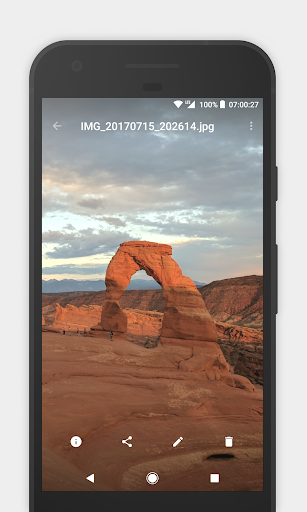
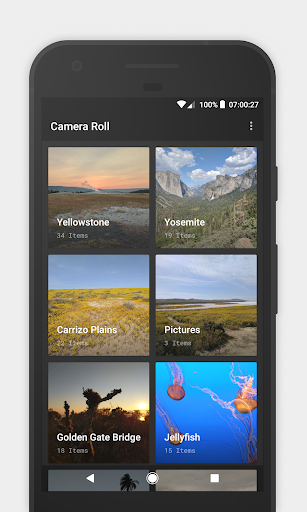
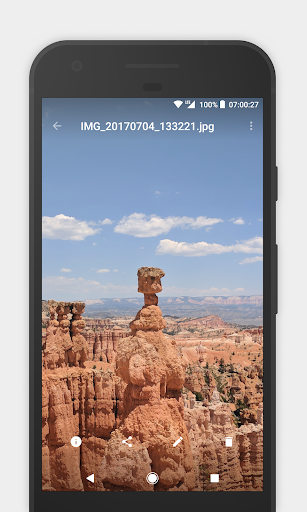
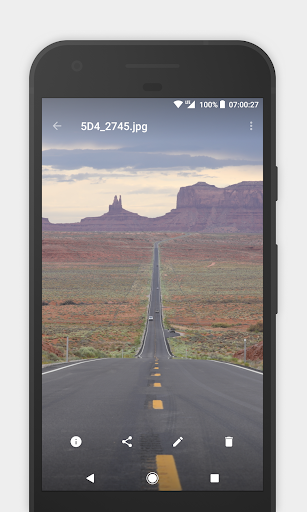
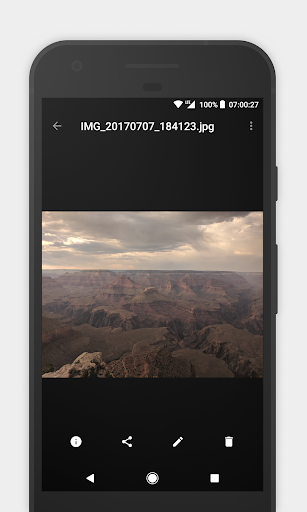
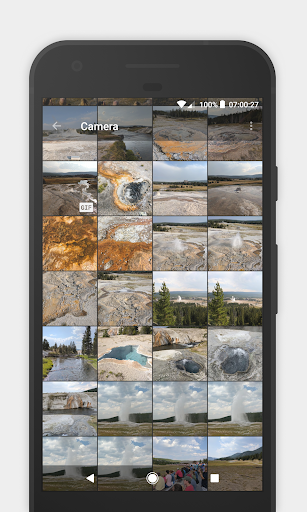
Camera Roll - Gallery is for browsing your pictures and videos, finding them by folder, and doing basic file organization from one app. It also handles GIFs. Its simple interface is a fit if you want a gallery and file browser rather than a tool focused on editing images or creating albums for sharing.
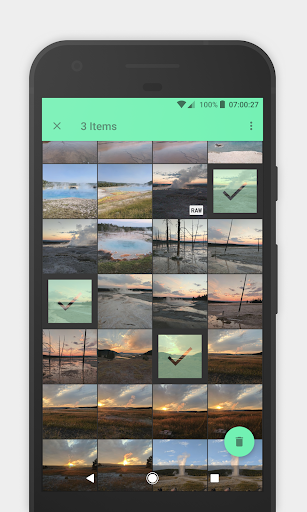
You can look through folders in your device storage or on an SD card. The app’s file explorer also lets you copy, move or delete photos and directories, so you can manage files without switching to a separate file manager.
If your pictures are spread across several directories, you can create a virtual album that brings those directories together. The files stay where they are: creating the album does not move or copy them. That makes this useful for collecting photos into a view without changing your folder layout.
It is a browsing and organization option, not a promise that the app will sort pictures automatically. You choose the directories to include.
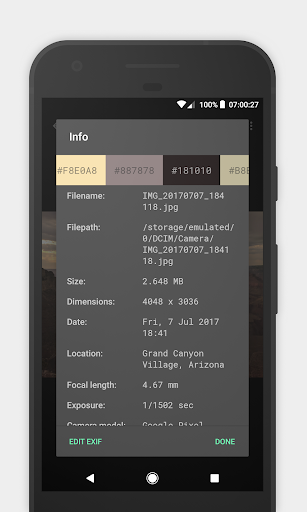
Camera Roll can show and edit EXIF data, the information attached to image files. That may help when you want to inspect or adjust photo metadata; the listing does not establish which individual EXIF fields are editable.
The app can also display hidden folders and help you clean them up. If you need to review files tucked away in storage, that is more useful than a gallery that only presents its usual visible albums.
Choose it if you want a basic gallery with folder access, virtual albums, metadata tools and file operations in the same place. It is less suited to someone looking primarily for advanced photo editing or automatic organization. The listing shows a 3.5 rating from 3,291 reviews and 500,000+ installs. Lukas Koller is the developer.