Epson DocumentScan
Seiko Epson Corporation
Downloads
1,000,000+
Source
Google Play
Advertisement
Click to download now, finish the installation quickly, and directly unlock the all-round experience
Advertisement
Screenshots
Click to download now, finish the installation quickly, and directly unlock the all-round experience
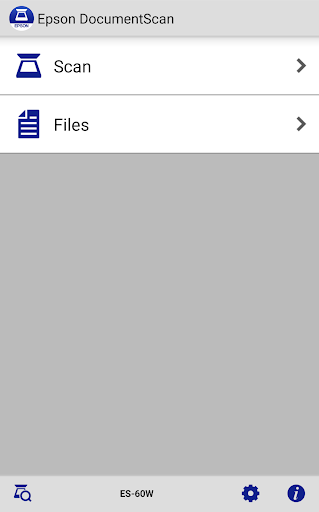
Epson DocumentScan lets you scan paper documents from a supported Epson scanner to an Android device. It suits people who want to capture pages without routing them through a computer, but it does not work with scanners from other brands. Check Epson’s supported-model list before relying on it; owning an Epson scanner alone does not guarantee compatibility.
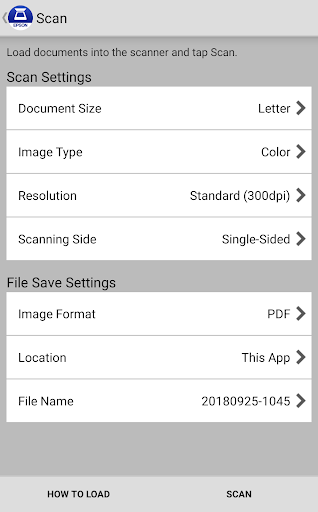
Your scanner and phone can connect over the same Wi-Fi network, or connect directly to each other when there is no external Wi-Fi network available. From the app, you can set document size, image type, resolution and whether to scan one or both sides. Automatic size and image-type recognition are also available.
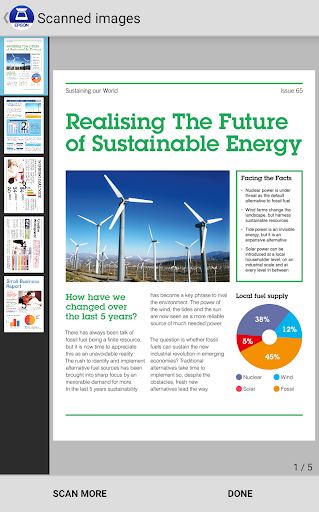
After scanning, you can preview the result and make basic adjustments. For multi-page scans, the app supports rotating pages and changing their order, including applying those changes to multiple pages at once.
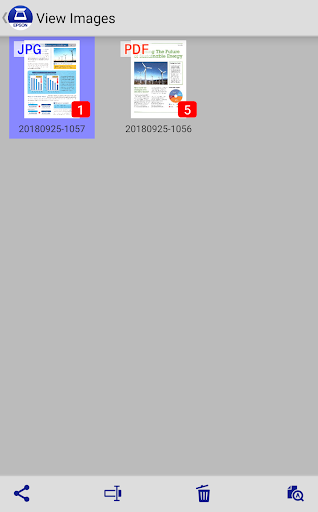
You can email scanned files or pass them to other apps and cloud services, including Box, Dropbox, Evernote, Google Drive and Microsoft OneDrive. Those services may require their own apps on your device. This makes DocumentScan useful for moving a scan into an existing filing or sharing workflow; it is focused on scanning and handing off files, not replacing a full document-management system.
Seiko Epson Corporation’s Productivity app has more than 1,000,000 installs, but its 2.95 rating across 2,974 ratings is a reason to check compatibility and expectations before making it part of a regular workflow. If your scanner is on Epson’s supported list and you need straightforward scanning, page adjustments and file sharing from Android, it covers those tasks. If your scanner is unsupported, this app will not help you scan with it.