Translate text to and from Morse
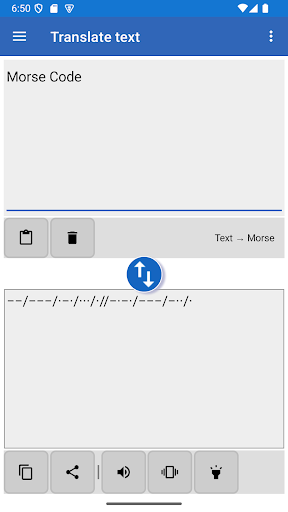
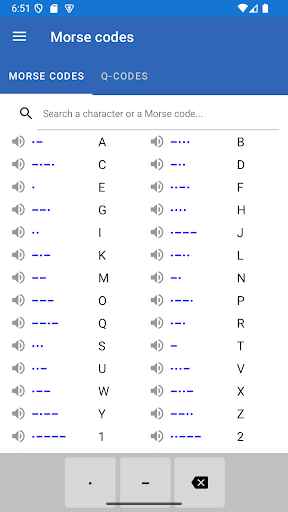
Morse Code - Learn & Translate is for turning written messages into Morse code, decoding Morse back into text, or practising the code. The translator detects whether you enter text or Morse and switches direction as you type. You can copy and paste messages, or share text to the app from another app and send the result on elsewhere.
Send a message as signals
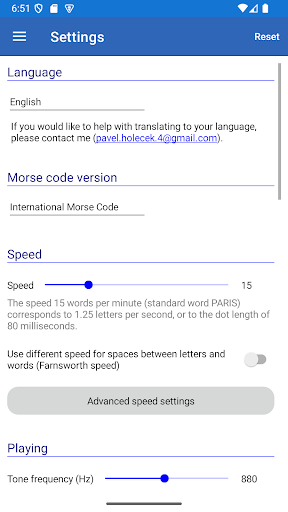
The app can transmit Morse through your phone’s speaker, flashlight or vibration. You can adjust transmission speed and tone, among other settings, and choose from supported code versions, including International Morse and several regional variants. Separators between letters and words can also be changed. These options make it more useful for practising different transmission setups, but you may need to adjust settings to match the code version or conventions you use.
Learn in levels, or practise decoding
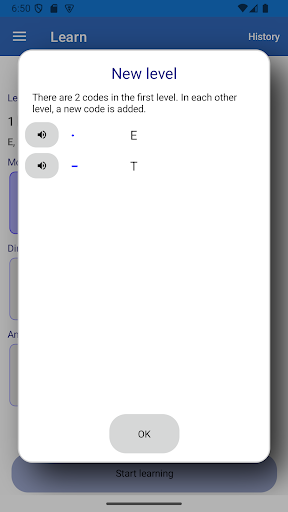
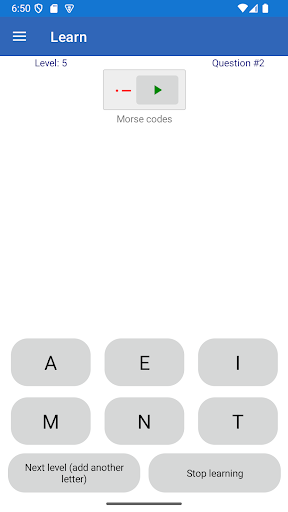
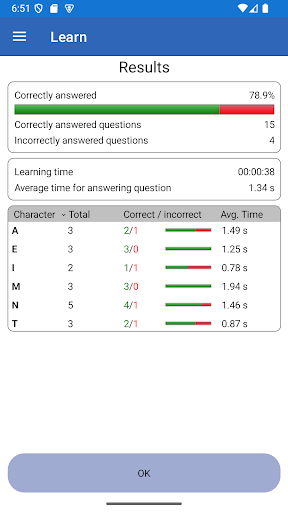
The learning module introduces letters in stages, starting with two letters and adding another in later levels. Exercises ask you to identify a letter from Morse or Morse from a letter: answer choices are available, as is typing your answer. You can choose a level rather than having to begin at the start, which suits learners who already know some of the alphabet. A random text generator provides material for practising longer translations.
Useful extras and track record
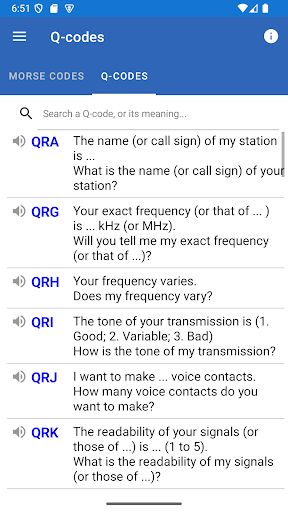
For amateur radio users, the translator can show meanings for detected Q-codes; this can be turned off in settings. It also includes a few simple ways to alter or encrypt a message, including reversing Morse, swapping dots and dashes, and using a Vigenère cipher. These are extras rather than the main reason to choose the app.
Developed by Pavel Holeček, the app has a 4.44 rating from 3,470 ratings and more than 1,000,000 installs. It is a practical fit if you want both a configurable Morse translator and structured lessons in one tool.